0–1 product / K12 creative coding / AI Copilot
XBuilder
A K12 creative coding product built from zero, spanning creation, learning, AI assistance, tutorials, brand, and design system.
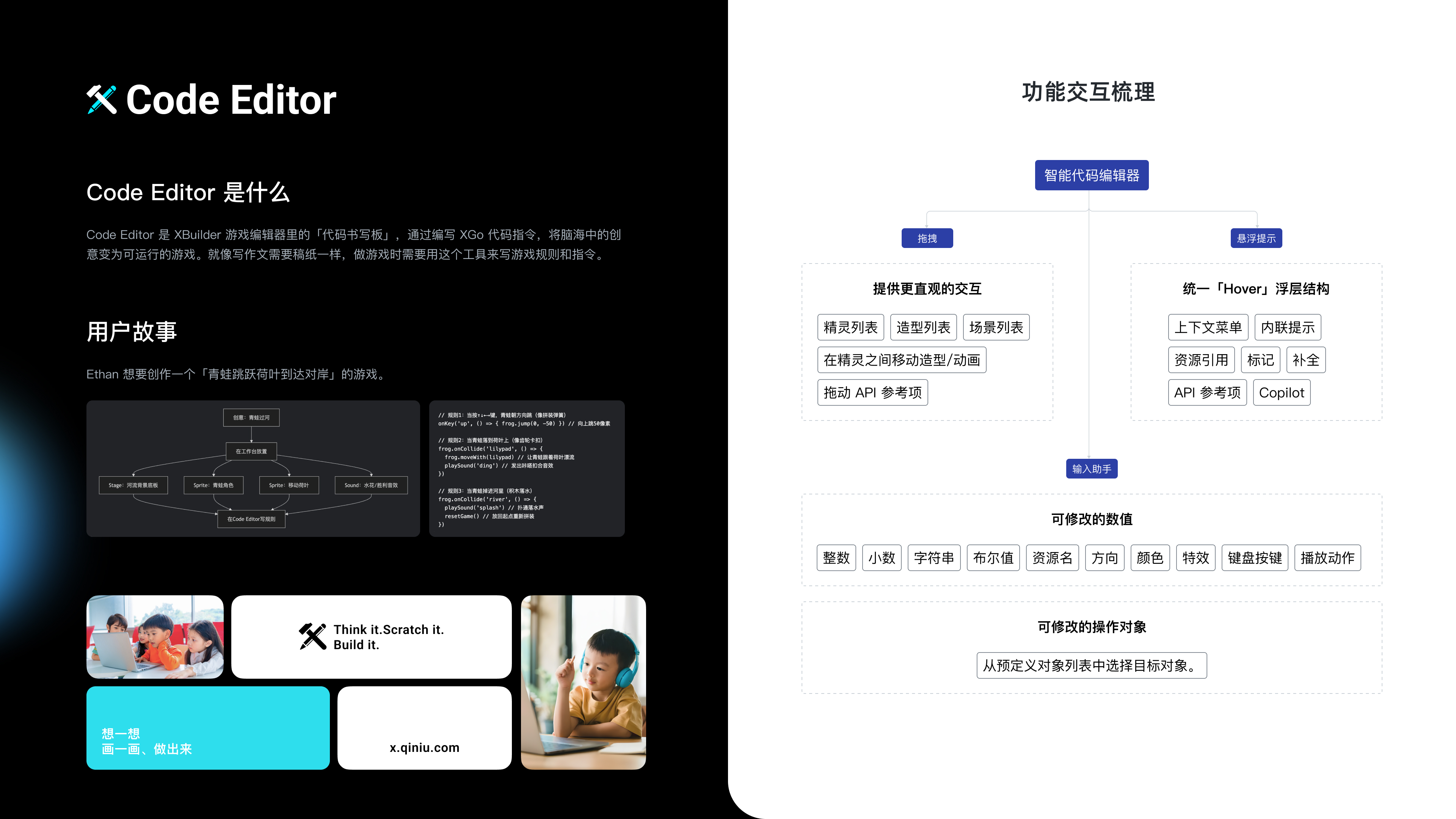
IDE / PRODUCT EXPERIENCE
Make text coding understandable, editable, and immediately testable.
The editor brings natural-language guidance, asset selection, parameter editing, and runtime feedback into one workspace—preserving the expressiveness of text coding while lowering the barrier to creation.
BRAND / LOGO DESIGN
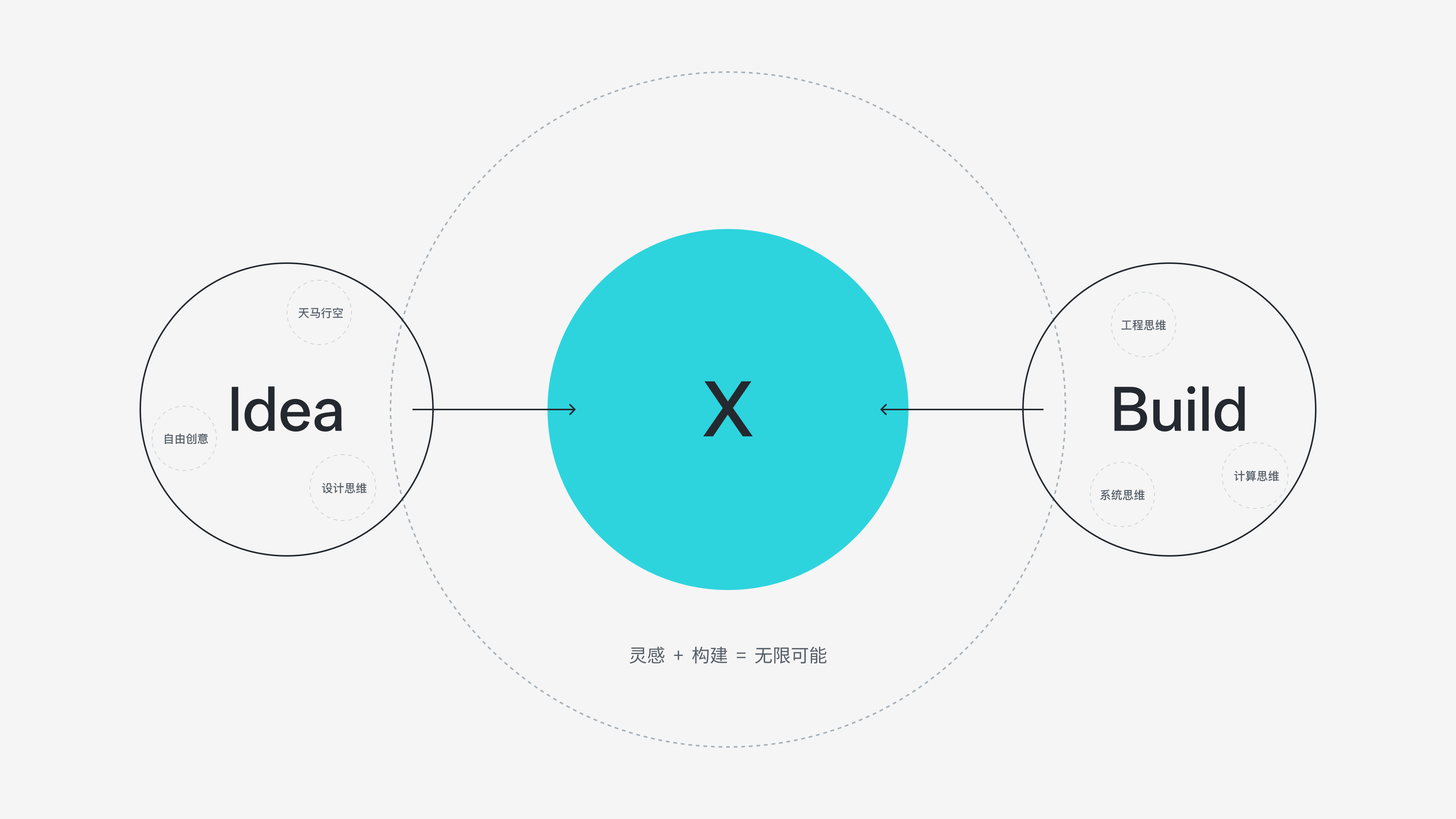
The brand grows from the same creative logic.
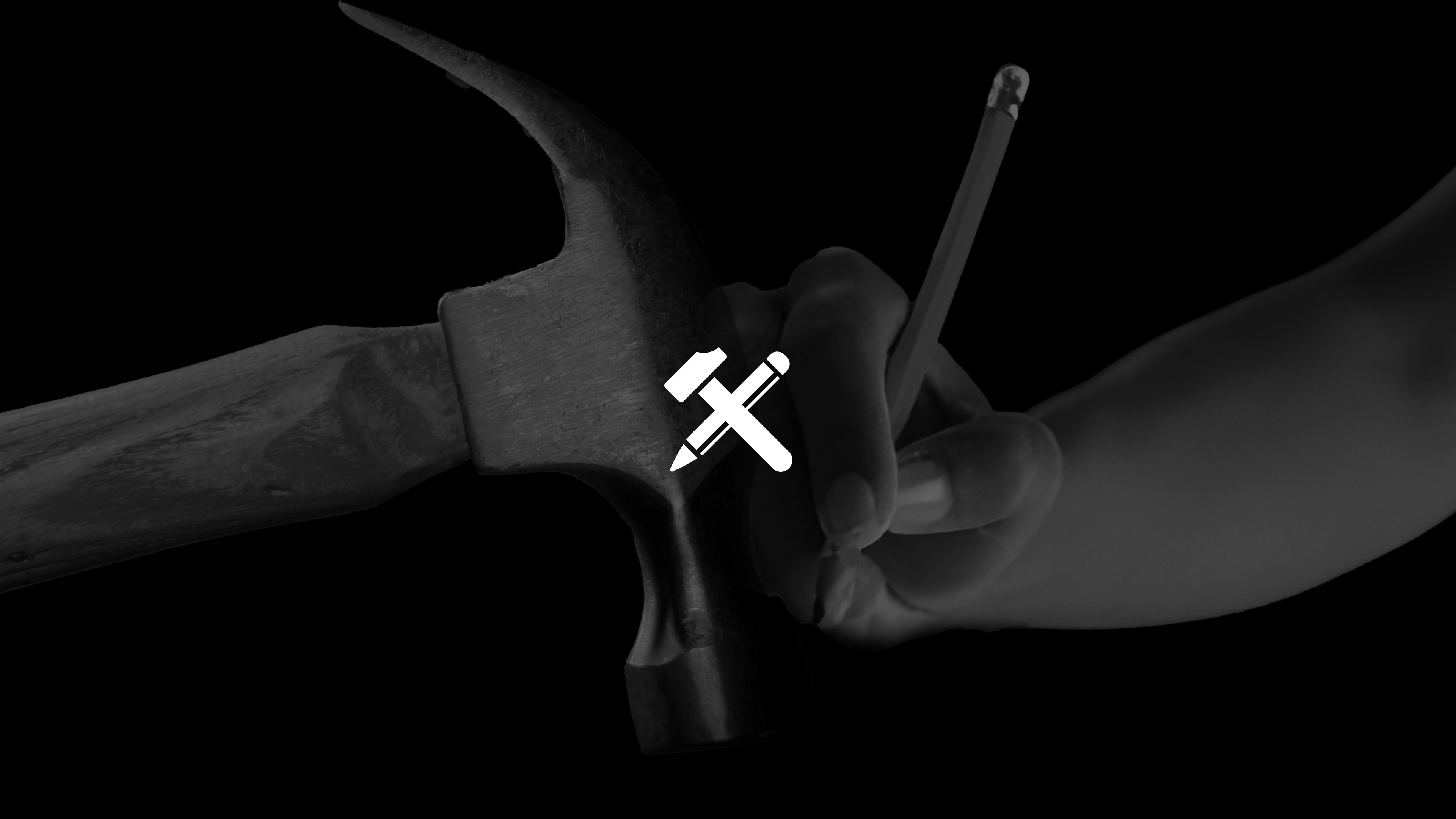
The logo connects inspiration and building: the pencil records an idea, the hammer turns it into something real, and X represents the possibilities created when the two meet.
How can text coding remain expressive while children can still understand it, change it, and test ideas immediately?
Key design decisions
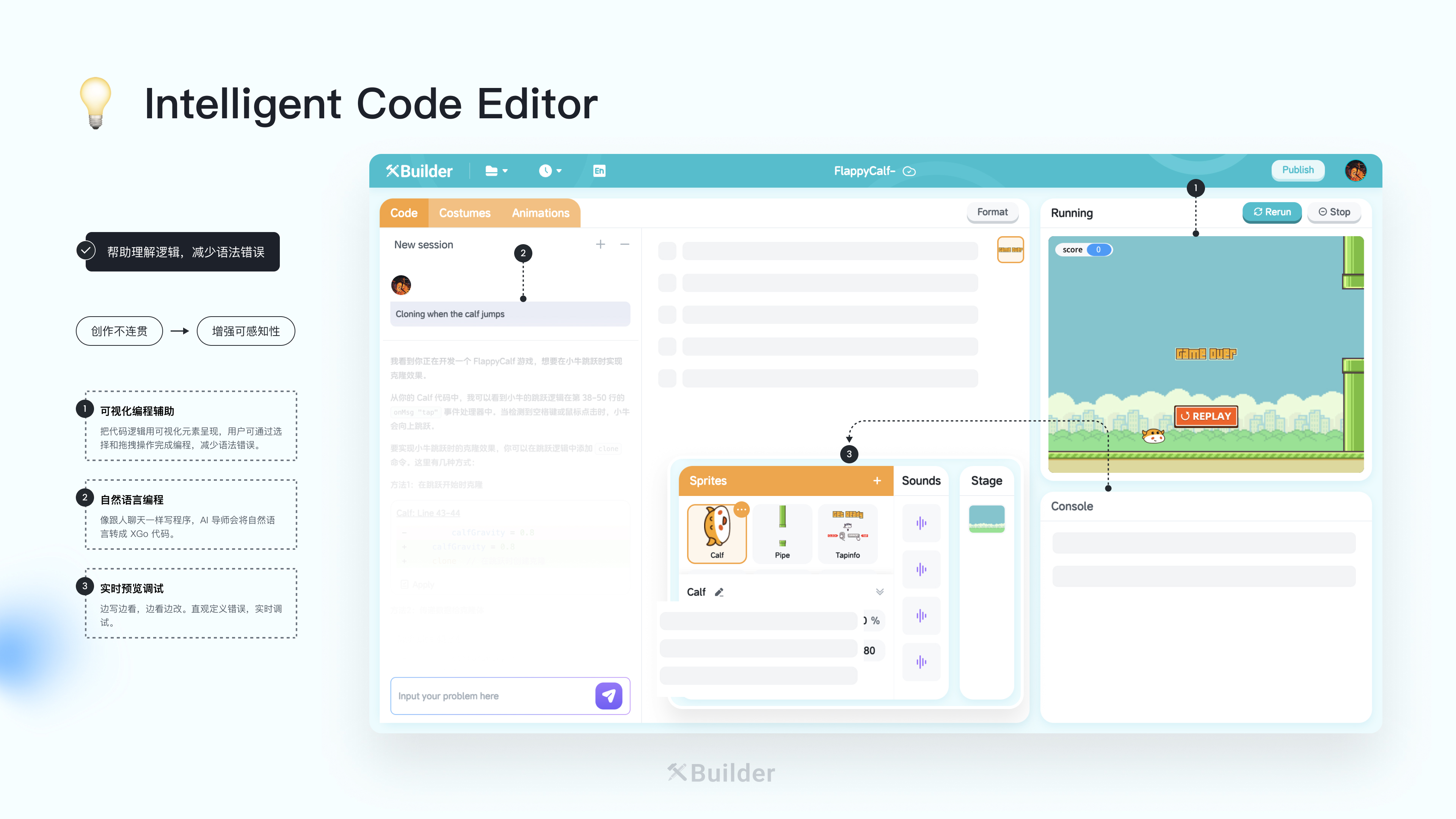
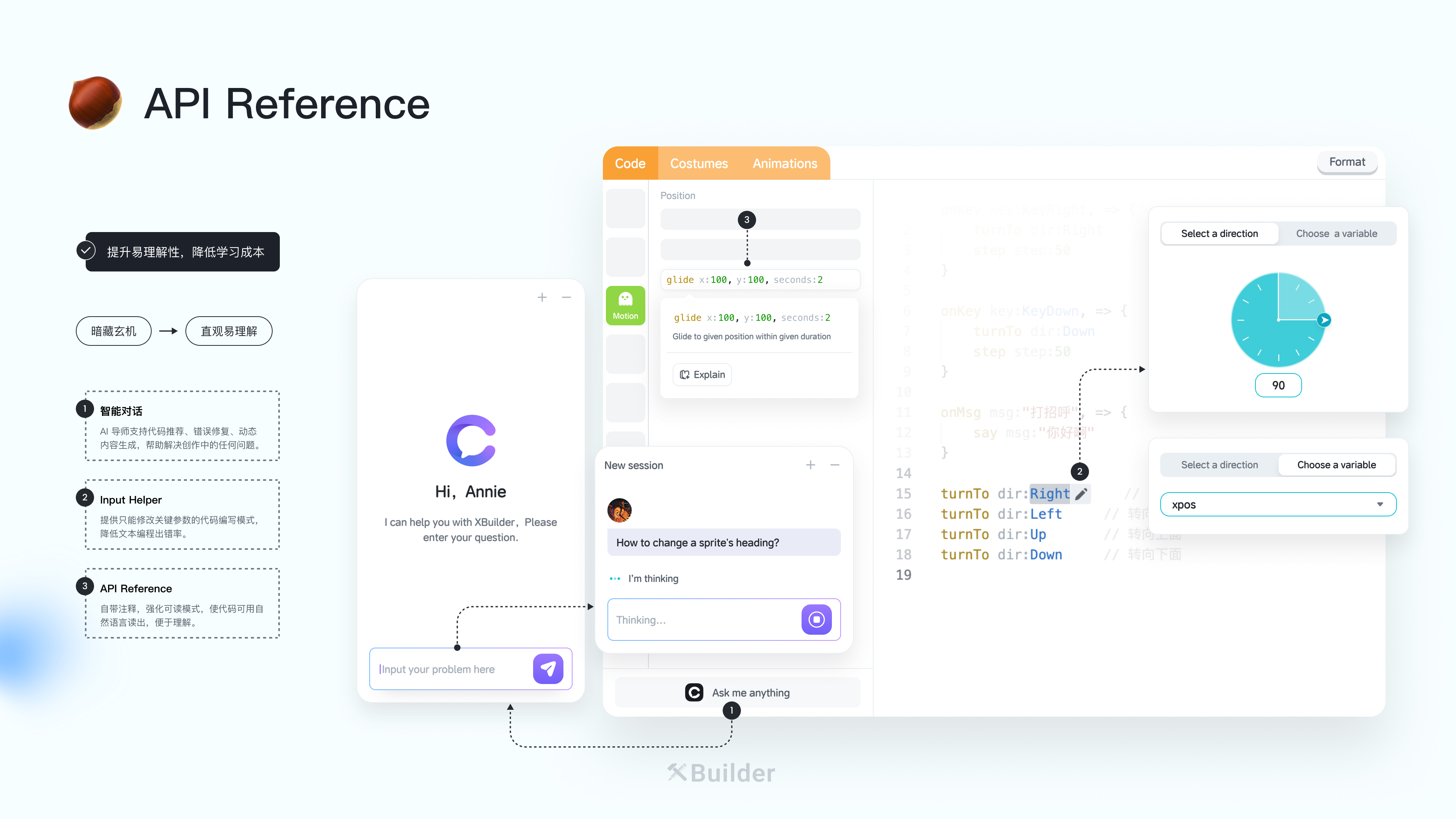
Make code understandable first
API Reference, inlay hints, and AI conversation keep code structure and plain-language explanation in the same view.
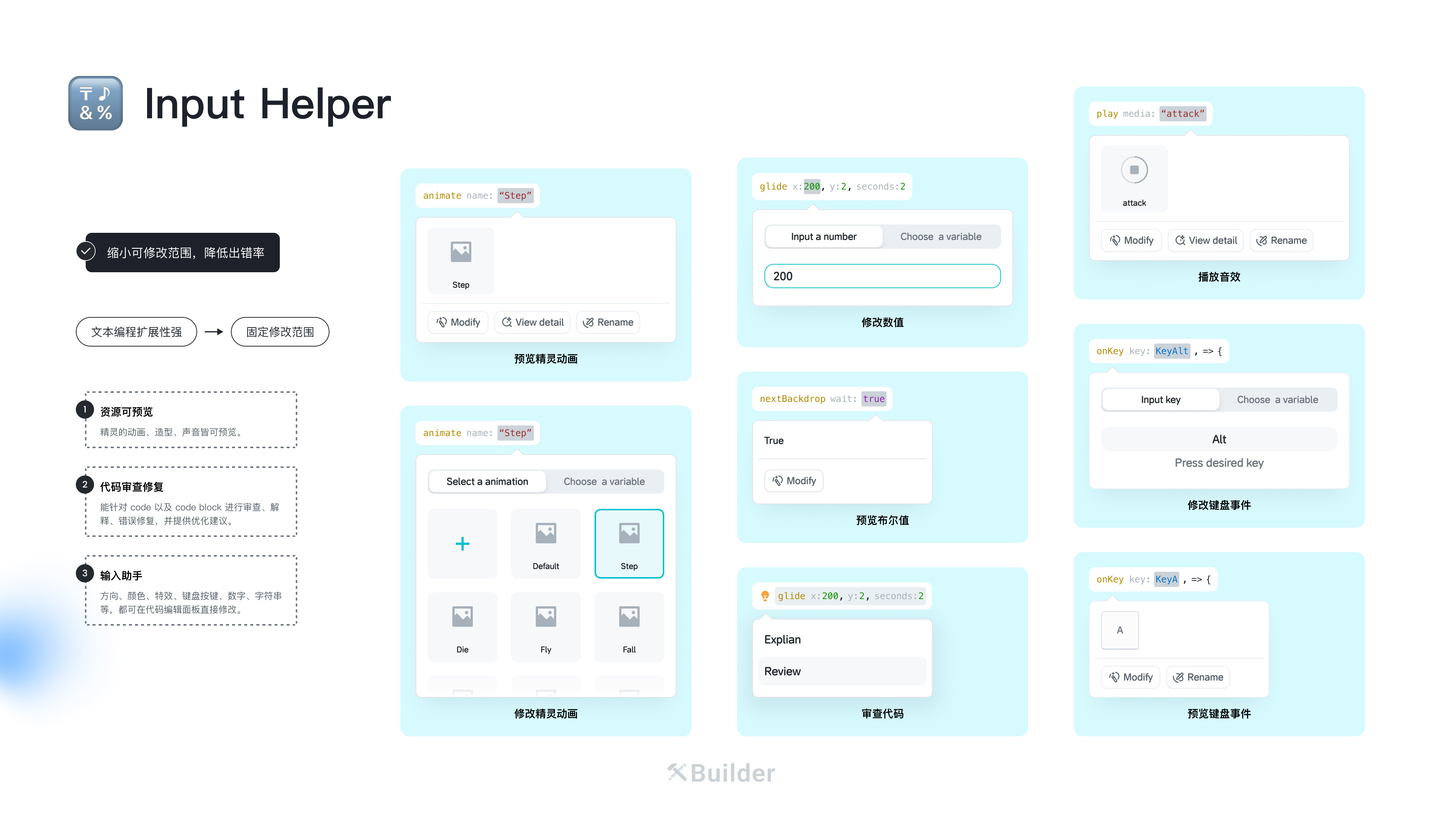
Constrain what needs editing
Input Helper, asset previews, and parameter controls make direction, values, colors, and animation directly editable while reducing syntax errors.
Turn runtime results into feedback
Code, stage, assets, and console share one workspace for continuous writing, previewing, and debugging.
My role
I have worked on XBuilder from zero, continuously owning its core experience, brand, design system, and implementation quality.